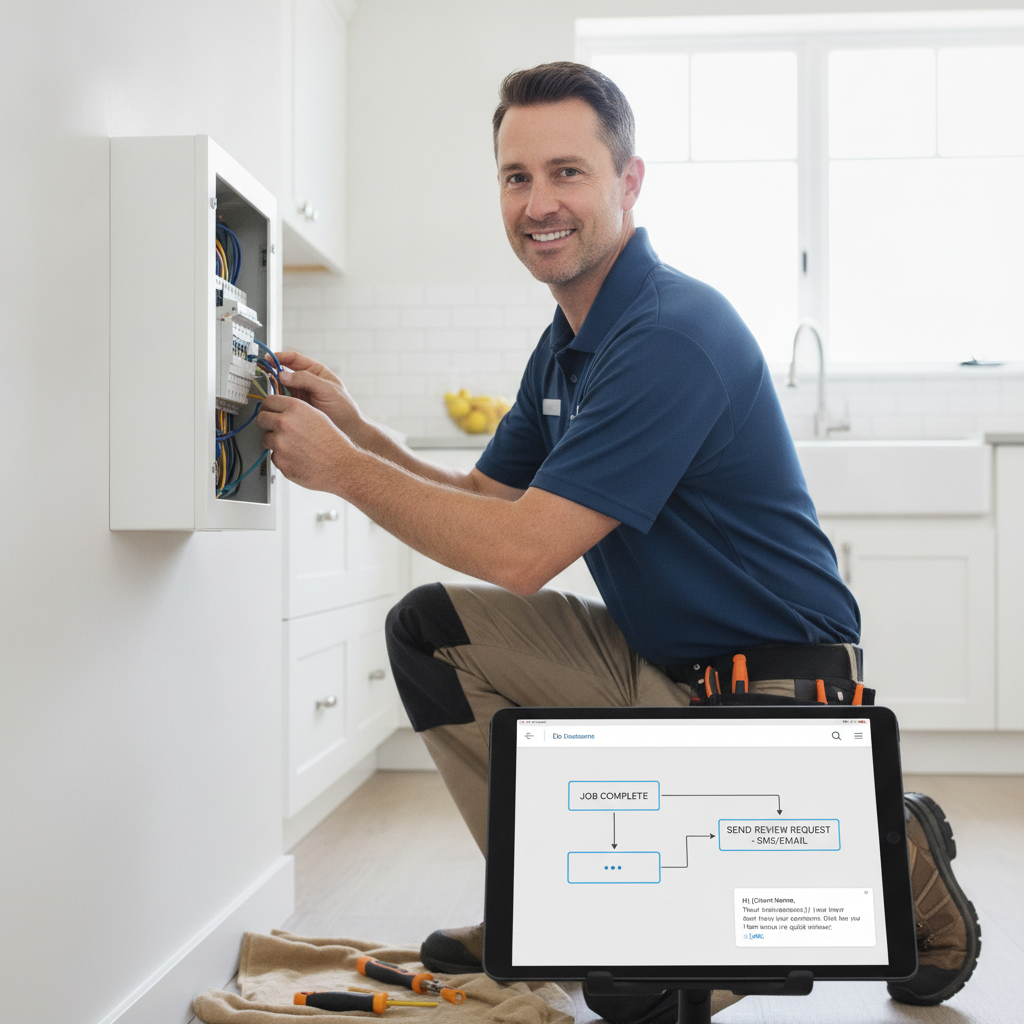
You finish the job, pack up the truck, and drive to the next call. The last thing on your mind is following up with the customer you just left. But that window — the 30 to 60 minutes after you wrap up — is the single best time to send a review request after a job is completed. The customer is satisfied, the experience is fresh, and they're already on their phone. If you're not hitting them right then, you're leaving reviews on the table every single day. This guide walks you through the exact workflow to make it automatic, so you never have to think about it again.
Why Timing Is Everything When You Ask for a Review
Most business owners ask for reviews the wrong way — a blanket email at the end of the month, a handwritten card left at the job site, or a verbal ask that customers immediately forget. The data is clear: review request response rates drop significantly after 24 hours. After 48 hours, you've lost most of them.
Think about your own behavior. When did you last write a review for a restaurant or contractor? Probably the same day, when the experience was still on your mind. Your customers are no different. The emotional high of a clean house, a fixed AC unit, or a pest-free yard fades fast. You need to reach them while they're still in that moment — ideally within an hour of job completion.
The good news: you don't have to do this manually. A proper automated workflow handles it for you, every time, without you lifting a finger after the initial setup.
Step 1 — Set Up Your Job Completion Trigger
The first step in your workflow is defining what "job completed" actually means in your business. This is your trigger — the event that kicks off the automated follow-up sequence.
Depending on how you run your business, your trigger could be:
- Marking a job as complete in your scheduling or field service software
- Sending a final invoice to the customer
- Processing payment at the job site
- A technician tapping a QR code on their way out the door
Pick one trigger and stick with it. Consistency is what makes the automation reliable. If you use different methods for different jobs, your follow-up will be inconsistent and you'll get inconsistent results.
For solo operators or small crews who don't use scheduling software, a QR code-based trigger is the simplest option. The tech scans or taps a code, it logs the job as done, and the follow-up sequence starts immediately. No software integration needed.
Step 2 — Build the Smart Routing Filter Before You Send Anything
Here's where most review workflows fall apart. Businesses blast every customer with a direct Google review link — including the ones who were unhappy. That's how you end up with one-star reviews that tank your rating for months.
The smarter approach is to use a sentiment filter before sending customers to your public review page. The workflow looks like this:
- Customer receives a text or SMS asking a simple question: "How did we do today?" or a 1–5 star rating prompt.
- If they rate 4 or 5 stars, they're automatically routed to your Google review link to leave a public review.
- If they rate 1, 2, or 3 stars, they're routed to a private feedback form that comes directly to you — not the internet.
This is called smart routing, and it does two things simultaneously: it maximizes positive reviews on Google, and it catches negative feedback privately so you can address it before it becomes a public problem. You get to respond to upset customers, fix the issue, and often turn them into loyal repeat customers — without the damage of a public one-star post.
This filter is non-negotiable if you want to build a strong review profile without playing defense all year.
Step 3 — The Exact Sequence to Send a Review Request After Job Completed
Once your trigger is set and your routing filter is in place, here's the message sequence that consistently drives results for service businesses:
Message 1 — Sent within 30–60 minutes of job completion:
"Hi [Customer Name], it's [Your Name] from [Business Name]. We just wrapped up at your place — hope everything looks great! Quick question: how did we do today? Tap to rate us: [link]"
Keep it short. Keep it personal. Use their first name. Nobody responds to "Dear Valued Customer."
Message 2 — Sent 24 hours later if no response:
"Hey [Customer Name], just checking in from [Business Name]. We'd love to hear how your experience was. Takes 30 seconds: [link]"
One follow-up is enough. Two messages total. If they don't respond after message two, move on. Over-messaging kills goodwill.
SMS consistently outperforms email for this type of follow-up. Open rates for text messages hover around 98% compared to roughly 20% for email. If you're only sending email follow-ups, you're working harder for worse results.
Step 4 — Make It Effortless for the Customer to Leave the Review
You've done everything right — perfect timing, smart routing, a friendly message. Now don't lose them because the link doesn't work or takes them to a confusing page.
Your Google review link should go directly to the review box — not your Google Business Profile homepage, not a search results page, not a landing page with too many clicks. Direct to the review form. One tap, they're writing the review.
You can generate this direct link for free using a Google Review Link Generator tool. It creates a URL that drops customers straight into the review composer on Google. Test it on your own phone before you put it into your automation. If it takes more than two taps for a customer to leave a review, your conversion rate will suffer.
Also consider adding a QR code version of this link to your job completion paperwork, invoice footer, or truck wrap. Some customers prefer to scan rather than click a text link — giving them both options captures more reviews from the same customer base.
Step 5 — Track Results and Tighten the Workflow Over Time
Once you've automated the process to send a review request after job completed, you're not done — you're just getting started. The businesses that build dominant review profiles treat this as an ongoing system, not a set-it-and-forget-it task.
Track these numbers monthly:
- Request sent rate: Are you triggering the follow-up for every job, or are some falling through the cracks?
- Response rate: What percentage of customers who receive the message actually click through?
- Review conversion rate: Of those who click through to Google, how many actually leave a review?
- Star rating distribution: Are you seeing consistent 4–5 star reviews, or is there a pattern in the lower ratings that points to a service issue?
Most good review automation platforms give you a dashboard that surfaces these numbers without any manual tracking. If you're building this workflow from scratch in a spreadsheet, you'll burn out fast. Use a tool that does the tracking for you.
Once you see the data, you can optimize. Maybe message one gets a better response rate when sent at 5 PM instead of immediately after job completion. Maybe a slightly different message phrasing improves click-through. Small tweaks, measured over weeks, compound into a significantly stronger review engine.
What This Workflow Does for Your Business Beyond Reviews
Here's what most service business owners don't realize until they've been running this system for 90 days: the reviews are just the most visible outcome. The real compounding value is what those reviews do to your search visibility.
Google's local search algorithm heavily weights review velocity (how frequently you get new reviews) and review sentiment (average star rating). A business that consistently gets 5–10 new Google reviews per month will outrank a competitor with 200 reviews that haven't gotten a new one in six months.
Even more importantly, AI-powered search tools — the kind customers are increasingly using to find local contractors — pull review data as a core ranking signal. When someone asks an AI assistant to recommend the best HVAC company in their city, it's evaluating review volume, recency, and sentiment. A strong, active review profile isn't just good for Google Maps anymore — it's becoming your visibility engine across every platform where customers search.
Running a consistent post-job review workflow isn't optional if you want to compete in local search in 2025 and beyond. It's table stakes.
Start Sending Automated Review Requests in 2 Minutes
If you're ready to stop doing this manually and build a real review engine for your business, FiveStarFlow is the fastest way to get there. It handles the full workflow described above — SMS requests, smart routing, direct Google review links, and automated follow-ups — all in a setup that takes less than two minutes. No complicated integrations, no bloated enterprise software, no monthly bill that requires you to justify it to yourself. Plans start at $29/month for solo operators and scale with your business. Head to fivestarflow.app/signup and get your first automated review request out the door today.