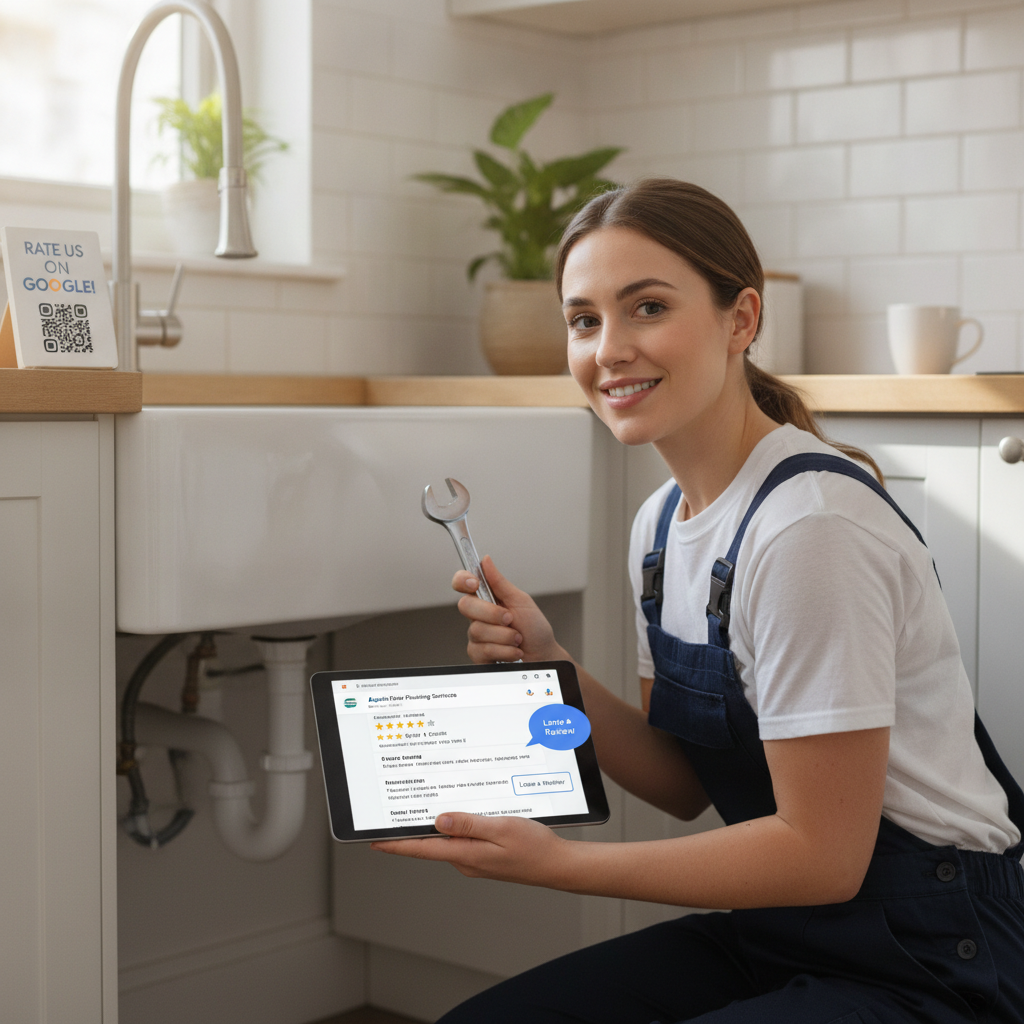
You finished the job. The customer was happy — you could see it on their face. They said, "I'll definitely leave you a review." And then nothing. That's the gap killing your business right now. You're doing great work, but your Google profile looks like you barely exist. If you're serious about figuring out how to get more Google reviews, it's not about doing better work. It's about building a system that captures those happy moments before they fade. Here are 12 strategies that actually work for local service businesses like yours.
1. Ask at the Right Moment — Not Later
The best time to ask for a review is the moment the customer is most satisfied. For a pest control tech, that's right after they confirm the job is done and the customer is relieved. For a plumber, it's when the water is flowing and the mess is cleaned up. That emotional peak is your window. Ask in person, look them in the eye, and say: "If you were happy with the service today, I'd really appreciate a Google review — it only takes 60 seconds." Don't wait until you're back at the truck. Don't wait until tomorrow. The moment passes fast.
2. Send a Text Message Follow-Up Within the Hour
Most customers won't pull out their phone the second you ask — but a text reminder sent within 30–60 minutes of job completion converts at a much higher rate than anything sent the next day. Keep it short: your name, a genuine thank-you, and a direct link to your Google review page. No link, no review. Remove every possible friction point. If they have to search for your business to find the review form, most of them won't bother.
3. Use a QR Code at Every Customer Touchpoint
Print a QR code on your invoice, your business card, the side of your van, or a small card you hand to every customer at job completion. When a customer scans it, they should land directly on your Google review form — not your homepage, not a landing page. Direct. One scan, one action. This works especially well for repeat customers and anyone who prefers tapping a phone over clicking a link in a text.
4. Train Every Technician and Crew Member to Ask
If you have a team, you have multiple touchpoints with every customer — and you're probably using none of them. Your tech is the last person the customer sees. That makes them the most important person in your review strategy. Make the ask part of your job close-out checklist. Role-play it in your next team meeting so it doesn't feel awkward. When asking for reviews becomes part of the job, your volume goes up automatically — without you having to chase it.
5. Route Unhappy Customers Away from Google
Here's one that most business owners miss: not every customer should be sent straight to Google. If someone had a frustrating experience, sending them directly to your Google review page is a gamble you don't need to take. A smart review funnel asks customers how satisfied they are first. Happy? Send them to Google. Not satisfied? Route them to a private feedback form so you can handle it before it becomes a 1-star review. This one strategy alone can protect your rating while you keep improving your volume.
6. Make Your Google Review Link Easy to Find
Log into your Google Business Profile, generate your review link, and put it everywhere: your email signature, your website's contact page, your Facebook bio, your invoices. If a customer wants to leave a review but can't find you in two seconds, they'll move on. Accessibility is part of the strategy. The fewer steps between "I want to leave a review" and "review submitted," the more reviews you'll get.
7. Respond to Every Review — Good and Bad
Responding to your existing reviews signals to potential customers — and to Google — that you're an active, engaged business. It also encourages more reviews. When people see that you respond thoughtfully, they're more likely to take the time themselves. For 5-star reviews, thank them by name and mention the specific job. For negative reviews, stay calm, acknowledge the issue, and offer to make it right offline. Your response to a bad review is often more convincing than the review itself.
8. Follow Up Again If They Don't Respond
One text isn't always enough. If a customer opened your message but didn't click, a second follow-up two or three days later — worded differently — can push them over the line. Keep it short and friendly: "Hey, just following up on our service last week. If you had a good experience, a quick Google review would mean a lot to us." Most customers aren't ignoring you on purpose. They're just busy. A gentle nudge reminds them without annoying them.
9. Highlight Your Reviews in Your Marketing
When customers see you already have a solid set of reviews, they're more likely to trust you and leave one themselves. Social proof compounds. Share your best Google reviews on your Facebook page, embed them on your website, and screenshot them for Instagram. The more visible your reviews are, the more they attract new ones. It also reminds past customers that leaving a review is a normal, expected thing — not an unusual ask.
10. Offer a Review Station for Walk-In or Office Visits
If you have a physical office — even a small one — set up a tablet with your Google review form on the screen. When a customer comes in to pay, pick up a service report, or schedule their next visit, the tablet is right there. This is a low-friction option that works especially well for pest control companies, cleaning services, and HVAC shops with a front desk. The fewer steps, the more completions.
How to Get More Google Reviews Through Email Campaigns
If you have a customer list — even a messy one in a spreadsheet — you have an untapped source of reviews. A simple email to your last 90 days of customers asking for a Google review can generate a meaningful spike in volume. Keep the email personal, short, and direct. One link. One ask. Don't bury the request under paragraphs of text. Subject line ideas that work: "Quick favor?" or "Could you help us out?" Conversational beats formal every time.
11. Build Review Requests Into Your Invoicing Process
Most local service businesses use some form of invoicing software. Add your Google review link to every invoice — in the footer, as a button, or in the email subject line. When a customer opens their invoice to pay, they're already engaging with you. That's the moment to make the ask. This passive strategy works in the background without any extra effort from you or your team once it's set up.
12. Automate the Whole Process So It Happens Every Time
Every strategy above works better when it's automated. Manual follow-up is inconsistent — your team forgets, jobs get busy, and customers slip through without being asked. The businesses that dominate their local Google rankings don't have better service than you. They have better systems. Automated SMS follow-ups, smart routing between happy and unhappy customers, and QR codes that trigger review requests turn your customer list into a steady flow of 5-star ratings — without you having to think about it.
Stop Leaving Reviews on the Table
You're already doing the hard part — delivering good service. The problem isn't your work. It's that you don't have a reliable system to capture the proof. Every job you complete without asking for a review is a missed opportunity that your competitors are collecting instead. If you're ready to put a real system in place — one that runs automatically, routes feedback the smart way, and takes less than two minutes to set up — check out FiveStarFlow. It's built specifically for local service businesses like yours: SMS follow-ups, QR code requests, smart routing for unhappy customers, and AI-generated reply suggestions — all starting at $29/month. Set it up once and let it work while you focus on the job.